
Where
Vice City International Airport (VCIA), main terminal ('Central Terminal' entrance): the back room behind the Lost & Found counter, before the security gates
Verified · Last checked November 28, 2026
Updated Nov 28, 2026 ET
Clip: @Grand Theft Guides
Vice City International Airport (VCIA), main terminal ('Central Terminal' entrance): the back room behind the Lost & Found counter, before the security gates
Follow the steps below.
A black Royal Oak-style watch in the Lost & Found back room at Vice City International Airport. Sources disagree on the exact style name.
GTA 6 Ark Royal Ashore Watch in the VCIA Lost & Found. A black Royal Oak-style watch in the Lost & Found back room at Vice City International Airport…
Vice City International Airport (VCIA), main terminal ('Central Terminal' entrance): the back room behind the Lost & Found counter, before the security gates
New safe codes, money spots and secrets, straight to your inbox. Free. Unsubscribe anytime.
 GTA 6 Alien Bunker Door CodeHamlet · Hidden secrets & easter eggs2431
 Why Your GTA 6 Robbery Safe Code Doesn't WorkOther · Guides & easy missesGuides & easy misses
 GTA 6 Crab Outpost Codes + Crabshack VF5Grassrivers · Hidden secrets & easter eggsCLEAVES
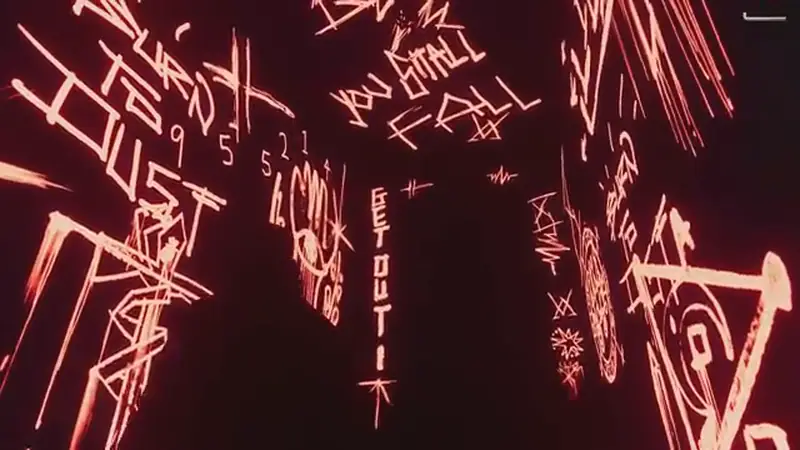 GTA 6 Marbelle Hotel Safe CodeVice City · Hidden secrets & easter eggs955214
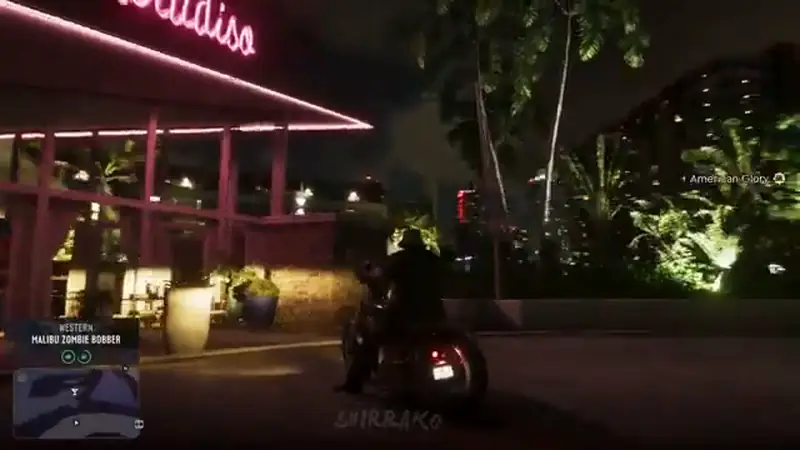 GTA 6 Secret Vice City PortalOther · Hidden secrets & easter eggsHidden secrets & easter eggs
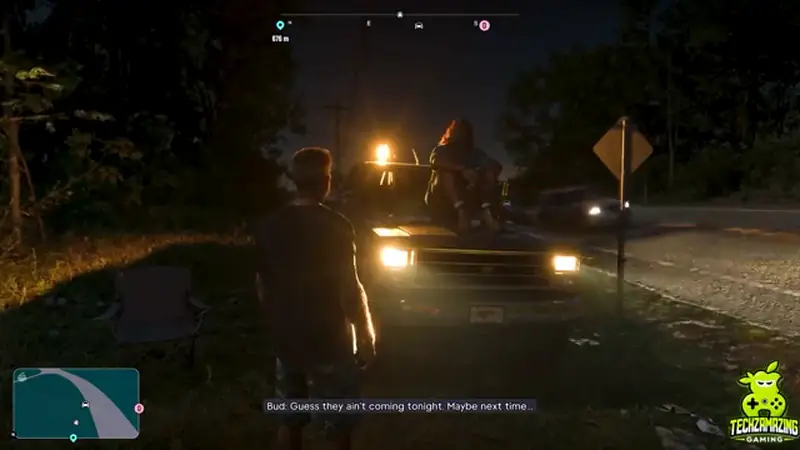 GTA 6 UFO Location: How to Get AbductedKelly County · Hidden secrets & easter eggsHidden secrets & easter eggs
Clip by @Grand Theft Guides. Sources: The Games Wiki · GTA6Bugs · Leonida Wikis · YouTube · X