Where
Any parked car; Slim Jim from Moses (Chapter 2), Key Cloner from Chapter 3
Verified · Last checked November 27, 2026
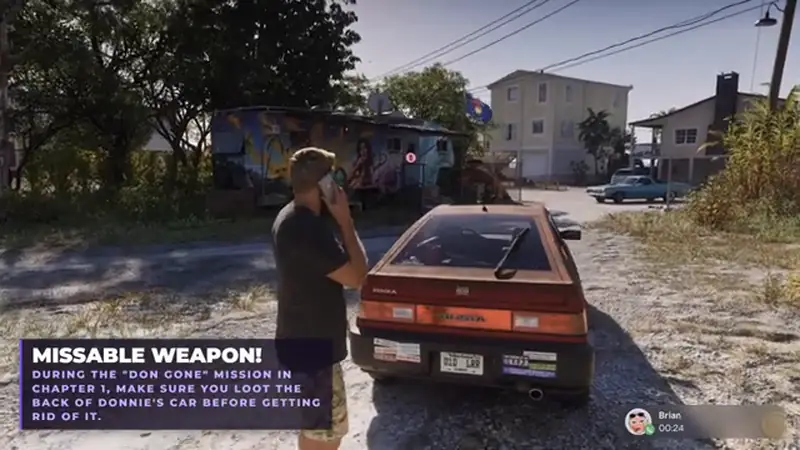
Walk to a parked car and press Triangle (PS5) / Y (Xbox) to check the door; if it's locked you can smash the window (fast but sets off the alarm and draws police), or use the Slim Jim (quiet): pick it after pressing Triangle / Y and move the right stick along the gauge until the lock pops. Then hotwire: move the left and right sticks to the points that fill both semicircles to start the engine. Keyless cars can't be hotwired: you need the Key Cloner phone plugin (from Chapter 3). To jack a moving car press Triangle / Y at the driver (spam Circle / B to pull them out). Scan with WAiNK first to see if the car has a tracker. The Slim Jim comes from Moses' mission in Chapter 2.
Any parked car; Slim Jim from Moses (Chapter 2), Key Cloner from Chapter 3
Follow the steps below.
A stolen car (register it to keep it)
Clip: @IGN
Walk to a parked car and press Triangle (PS5) / Y (Xbox) to check the door; if it's locked you can smash the window (fast but sets off the alarm and…
Any parked car; Slim Jim from Moses (Chapter 2), Key Cloner from Chapter 3
Clip by @IGN. Sources: GameRant · Gfinityesports · GamesRadar+ · YouTube